

Agent Mode
Posts for you, every day, on schedule
Set a goal and a schedule once. The agent writes posts about your products and publishes them to your Facebook Page and Instagram.
No card needed to sign up.
- Posts to
- Facebook Pages and Instagram
- Writes in
- Bangla, English or Banglish
- Find it in
- Post, then Agent Mode
In your dashboard
Five steps, then it runs on its own
The setup is one short wizard. You can change any answer later with Edit setup.
Pick a goal
Increase sales, grow your audience, launch new products, or describe your own goal. The goal decides what the posts lead with.
WherePostAgent Mode
Choose where it posts
Switch on the accounts it should post to, and pick which Facebook Page it posts as.
WhereAgent ModePlatforms
- TikTok and YouTube are marked Soon.
Tell it what to say
Choose the angles it rotates through, like product benefits, seasonal posts or offers. Set the brand voice, the audience and the language.
WhereAgent ModeContent & brand
- Feature any product, your newest ones, or only the products you pick.
- Pick a writing style, or give it your own post templates.
Set the schedule and turn it on
Pick how often it posts, a daily limit, the days and the hours. Then press Activate agent.
WhereAgent ModeSchedule
- Run it with no end date, or until a date you choose.
Watch what it posts
Every post shows in Recent runs with the text it wrote, and in the Content Calendar with an Agent Mode tag.
WhereAgent ModeRecent runs
- Pause it any time with Deactivate.
- Run now posts once, straight away.
Good to know
Good to know
- It publishes on its own. There's no review queue, so set the angles and products you're happy with first.
- Posts go to Facebook Pages and Instagram as regular feed posts, with the product's photo.
- Instagram needs a photo, so pick products that have one.
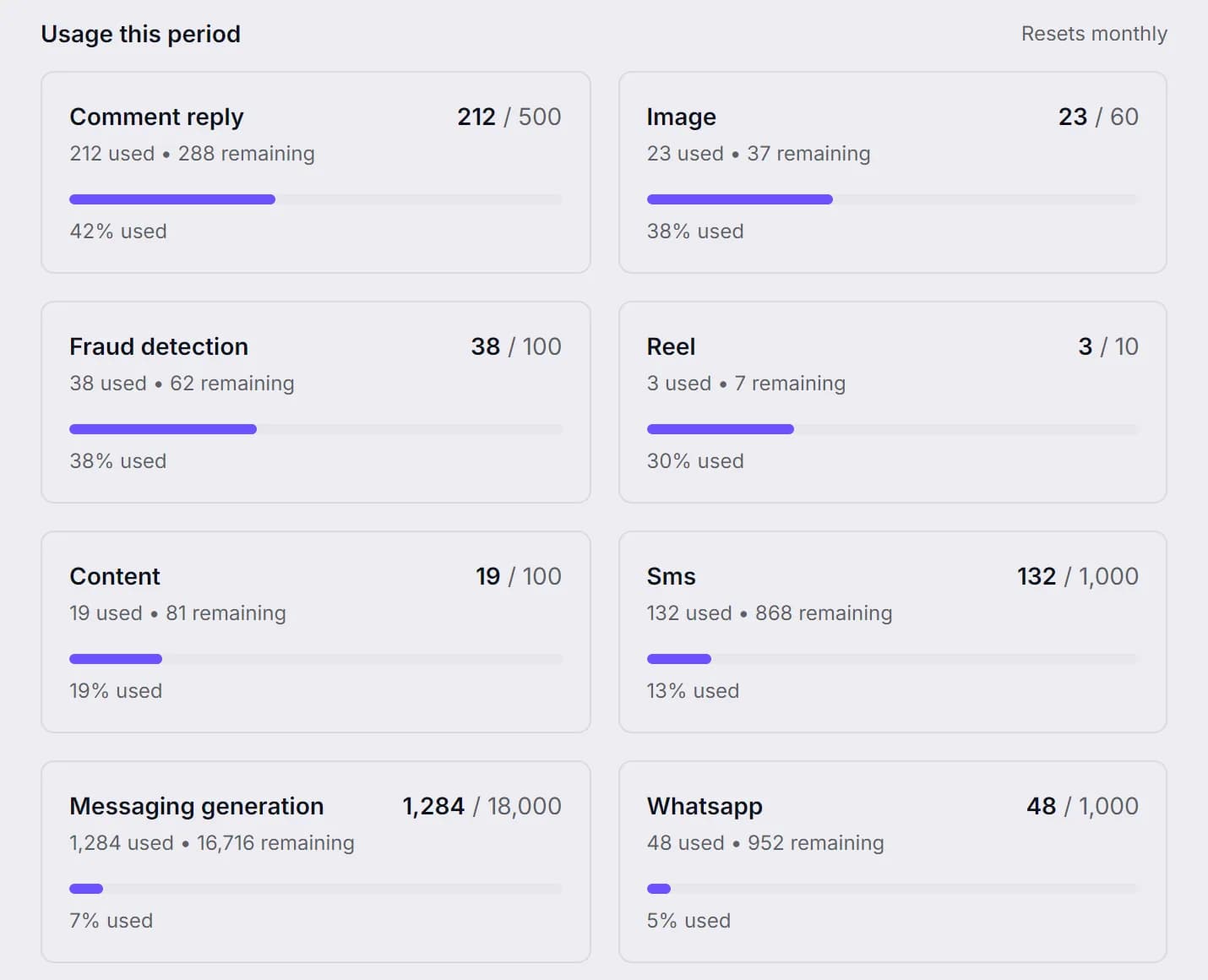
- Each post uses one Content Generation credit from your plan.
Same dashboard
The rest of the shop, in one place
Let the agent post for you.
Connect your page, pick a goal and a schedule, and switch it on.
No card needed to sign up. Or email support@ecomup.ai.