

AI chat
Answers every chat and takes the order
It replies on Facebook, Instagram and WhatsApp in the language your customer writes in, then puts the order in your dashboard.
No card needed to sign up.
- Replies on
- Messenger, Instagram, WhatsApp and your website chat
- Writes in
- Bangla, English or Banglish, matching the customer
- Find it in
- Messenger and Orders
In your dashboard
From first message to booked order
Four screens in the dashboard. Set it up once, then it runs on every chat.
Connect your pages and numbers
Link your Facebook Page, Instagram account and WhatsApp. Your courier accounts connect on the same screen.
WhereConnectionsAvailable Platforms
- A personal WhatsApp number links with a QR code. WhatsApp Business goes live after a short approval.
- Couriers: Steadfast, Pathao, RedX and Paperfly.
Switch the AI on for each account
Pick a page or number in the inbox and turn its AI on. It answers from your products: prices, stock, sizes and the AI note on each product.
WhereMessengerAI switch
- It replies in the script the customer uses: Bangla, English or Banglish.
- In Chatbot, Behavior, you decide if it may place orders, cancel orders or edit customer details on its own.
It confirms the order, you check it
Before it creates an order, the AI sends a summary with the delivery charge and total and waits for a yes. The order then shows up in Orders.
WhereOrders
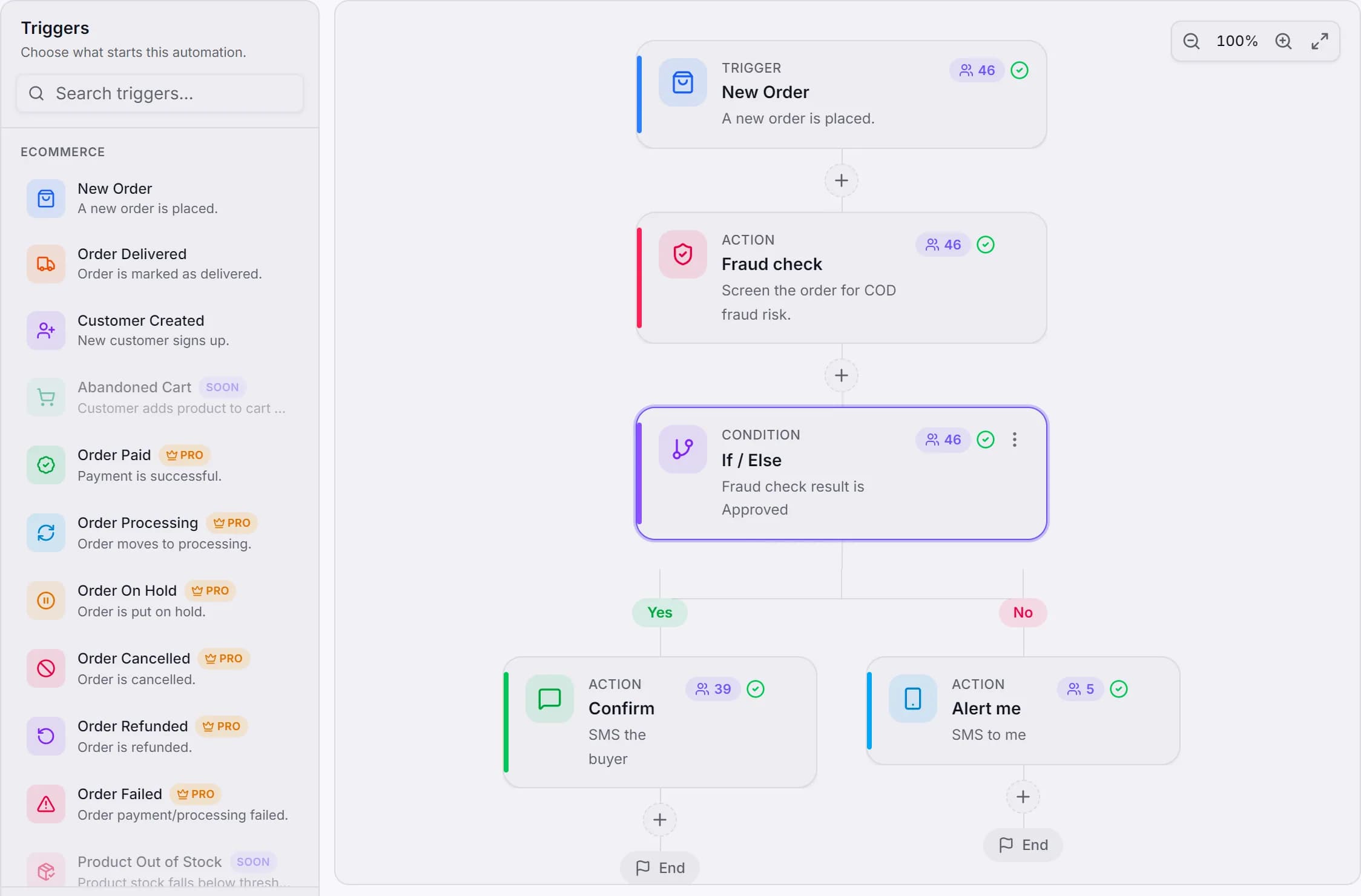
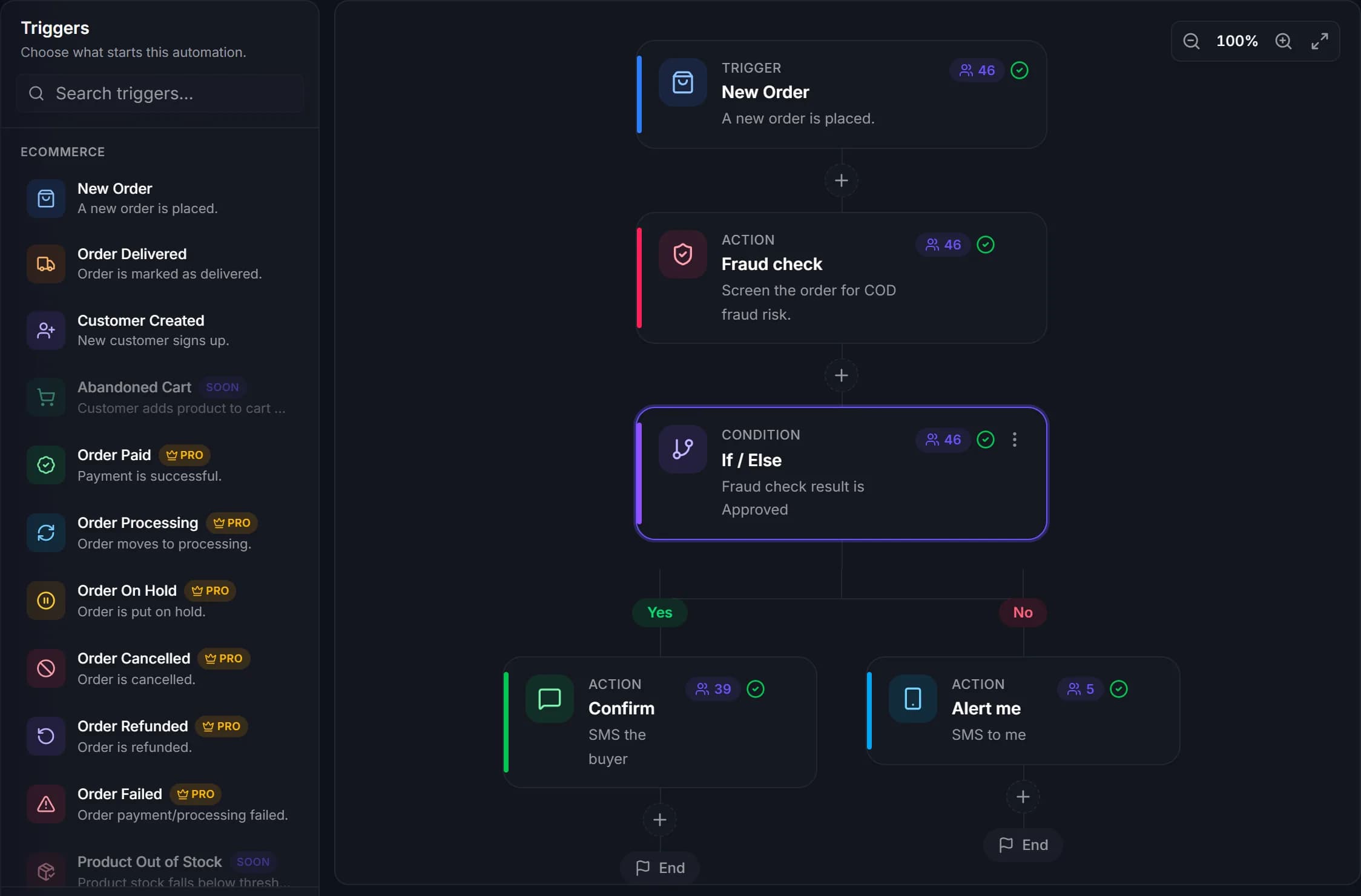
- With Auto fraud check on, the phone number is checked against courier delivery history.
- Risky orders are flagged for review. They are never cancelled for you.
Step in whenever you want
Reply from the inbox and the AI pauses for that chat. When a customer asks for something it shouldn't decide, like a bulk discount, it hands the chat to you with the reason.
WhereMessengerTake over
- Resume AI hands the chat back.
- Book the courier from Orders in one click, or send paid orders to your default courier automatically.
Good to know
What it covers today
- Works on Facebook Messenger, Instagram DMs, WhatsApp and the chat widget on your website.
- TikTok, YouTube, Threads and Shopify aren't supported yet.
- The AI doesn't book couriers inside the chat. Booking happens in Orders.
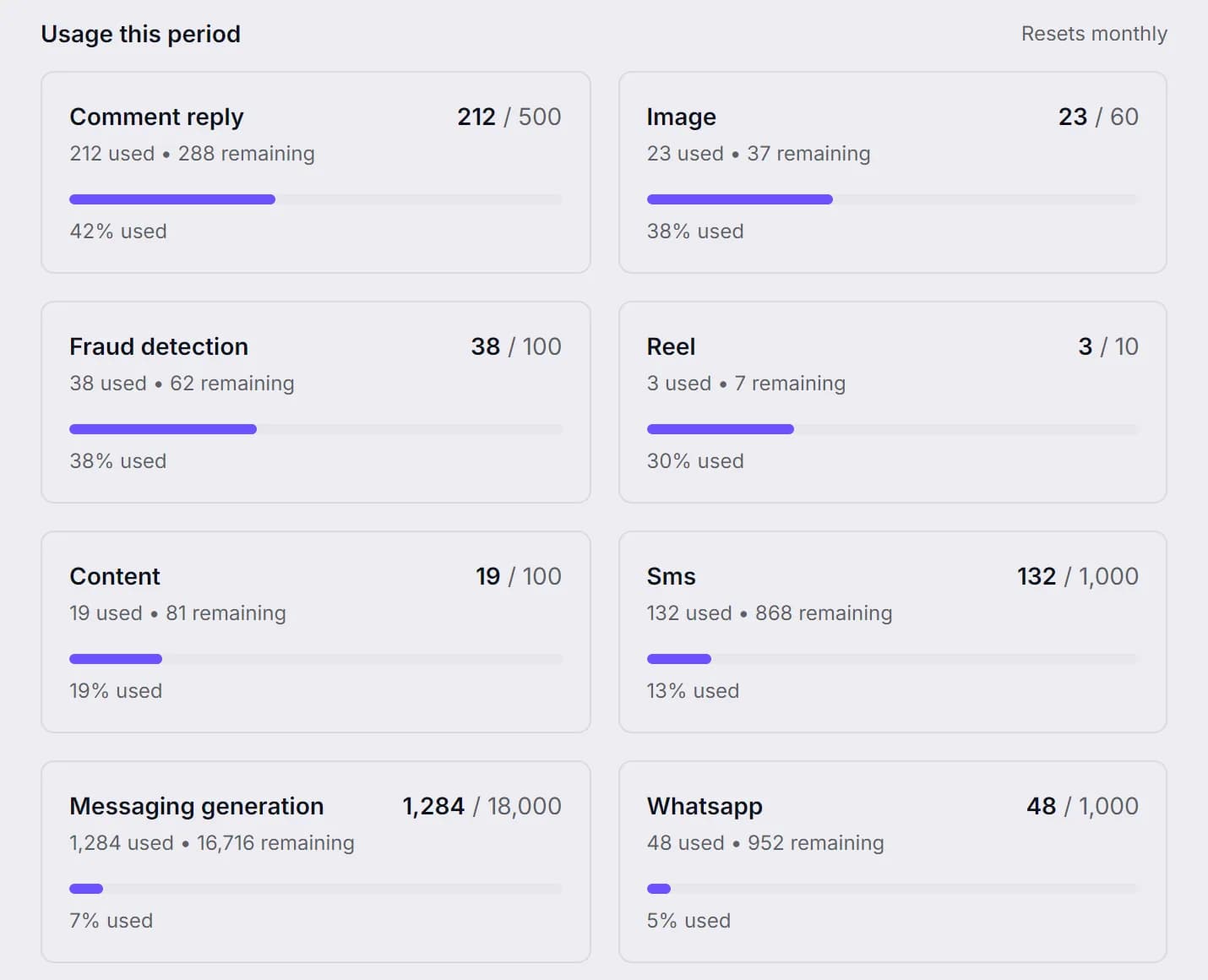
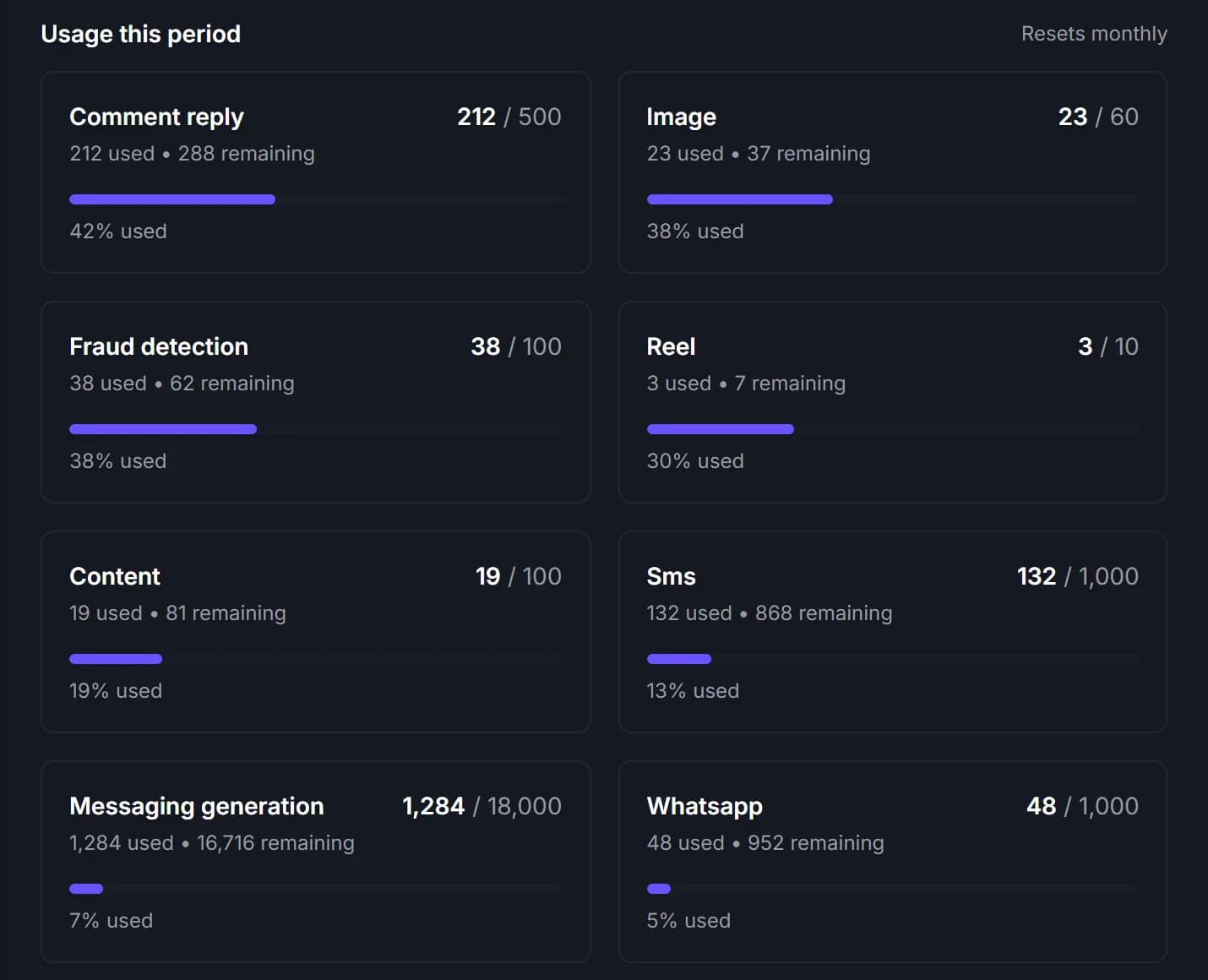
- AI replies and fraud checks count toward your plan's monthly limits.
Same dashboard
The rest of the shop, in one place
Let EcomUp answer the next message.
Connect your page, add a few products and see how it replies before you switch it on.
No card needed to sign up. Or email support@ecomup.ai.