

Image & video
Product shots and short videos from one phone photo
Upload a photo of the product, pick a look, and get studio shots, model photos or a short video that's ready to post.
No card needed to sign up.
- Makes
- Studio shots, model photos and 5 to 15 second videos
- Sizes
- 1:1, 4:5, 9:16, 16:9 and more
- Find it in
- Generate Media and Create Post
In your dashboard
From a phone photo to a published post
Everything happens on two screens: Generate Media and Create Post.
Upload the product
Add up to 4 photos of one product. A quick phone photo is fine.
WhereGenerate MediaUpload Images
- Add a model or a background from the library, or upload your own.
- PNG, JPG or HEIC, up to 10 MB each.
Pick a look and a size
Choose a style like Studio Hero, Lifestyle or Flat-Lay, or start from an Eid or sale idea. You can also write your own prompt.
WhereGenerate MediaGeneration Settings
- Sizes for every channel: 1:1, 4:5, 9:16, 16:9 and more.
- Make 1 to 6 images at a time, in JPEG or PNG.
Or make a short video
Switch to Product Video and the AI animates your product into a 5, 10 or 15 second clip with motion and sound.
WhereGenerate MediaProduct Video
- Everything you make is saved to your Gallery.
- Product Video isn't part of the Starter plan.
Post it now or schedule it
Attach the new photo with Insert Media, check the live preview for Facebook and Instagram, then publish now or pick a time.
WherePostCreate Post
- Generate Post writes the caption for you.
- Scheduled posts show in the Content Calendar.
Good to know
Good to know
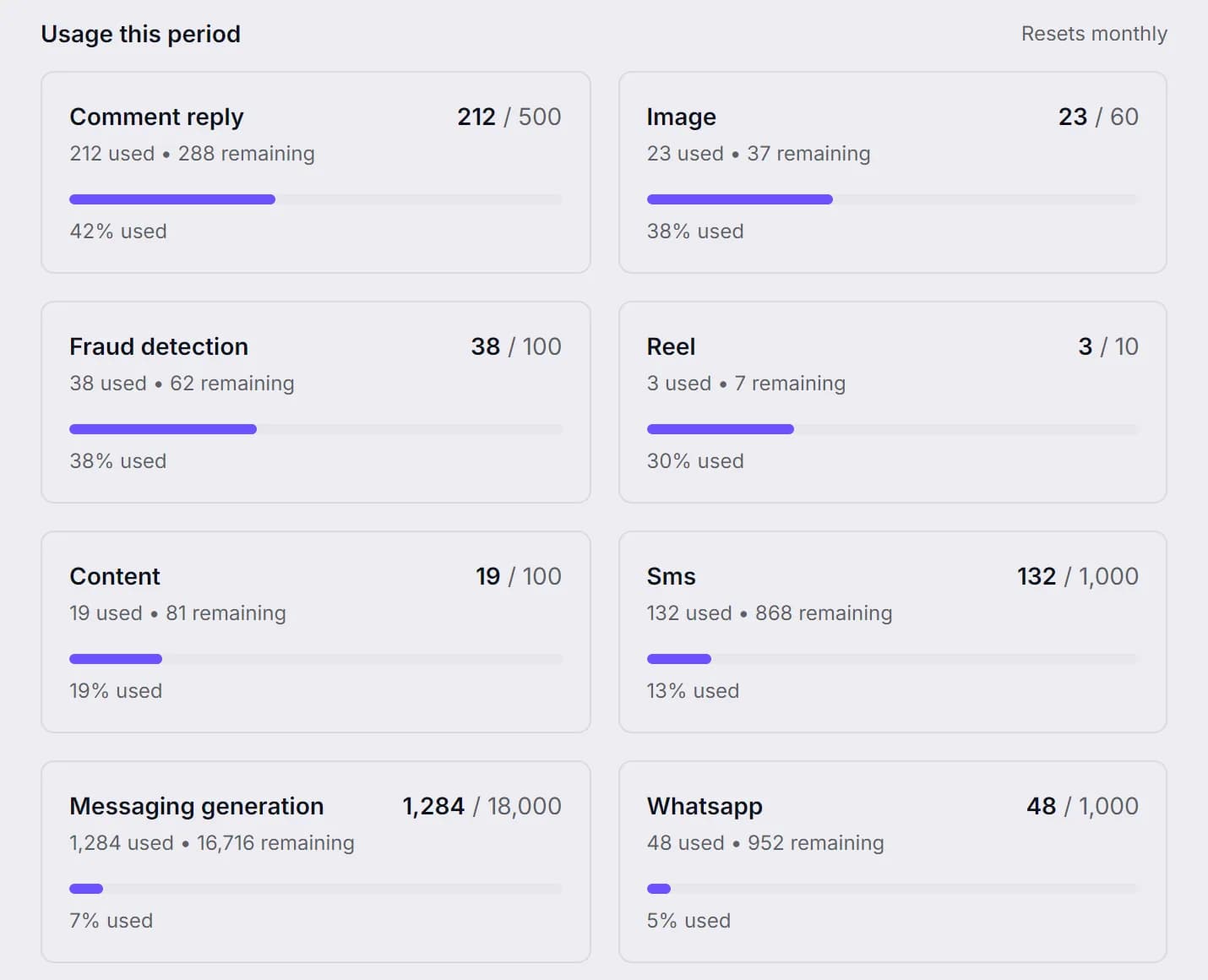
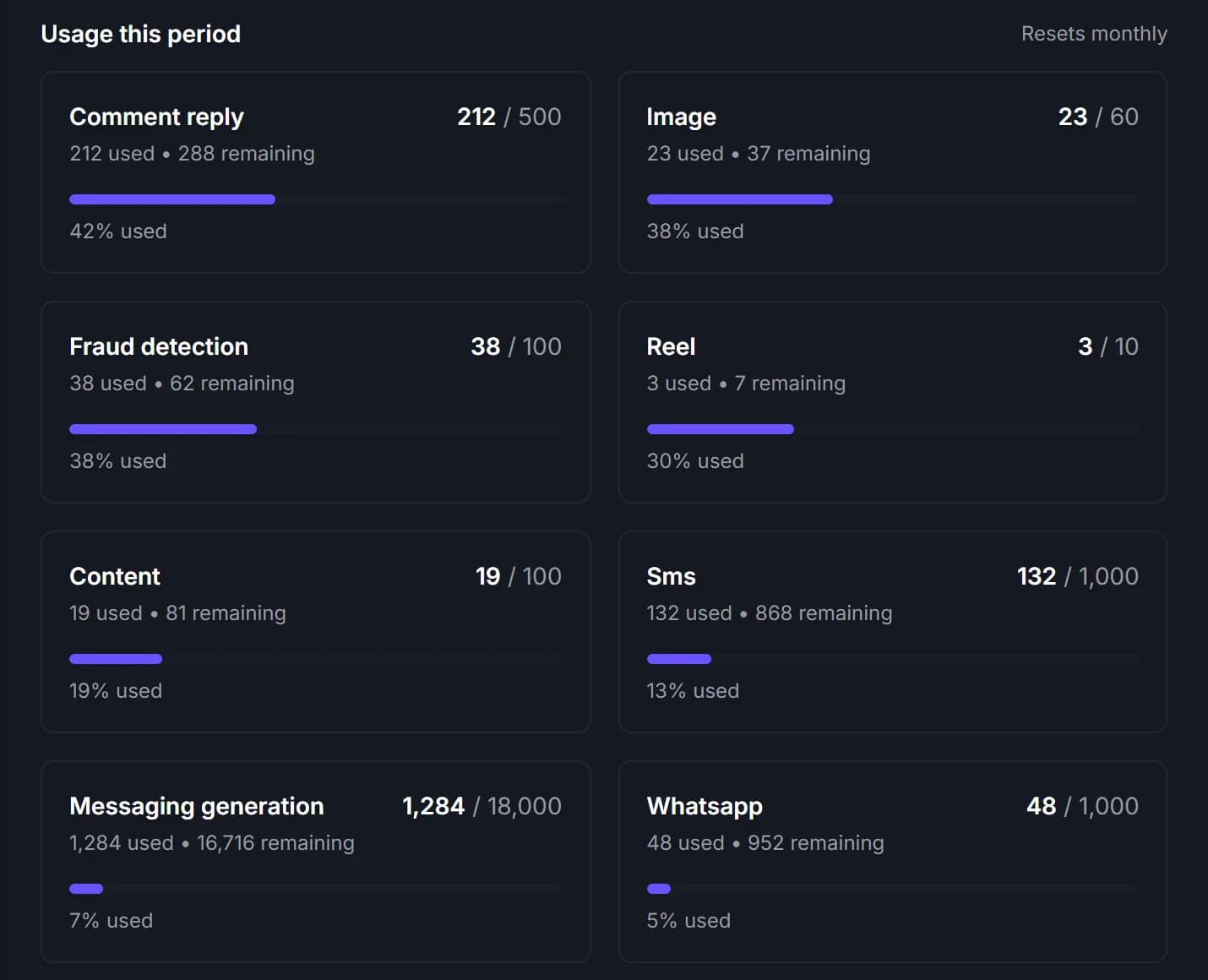
- Images count toward your plan's image limit, and videos toward its video limit.
- Asking for the exact same result again comes back instantly and doesn't use your limit.
- Images come out at about 1K, for example 1024 × 1024 for a square.
- Instagram posts need a photo or a video.
Make your first product shot.
Upload one phone photo and see what Studio Hero makes of it.
No card needed to sign up. Or email support@ecomup.ai.