

Workflows
Automate what you do on every order
Build a flow once. When an order comes in or a customer messages, it checks, texts, tags and replies for you.
No card needed to sign up.
- Starts on
- A new or delivered order, a new customer, a tag, or a DM
- Can do
- Fraud check, SMS, WhatsApp, AI replies, tags, waits and branches
- Find it in
- Automation
In your dashboard
Build it, switch it on, watch it run
No code. A flow is a list of steps from top to bottom, with a branch where you need one.
Start from a template or a blank flow
Pick a ready template like Tag New Orders, or create a blank automation and give it a name.
WhereAutomationTemplates
Choose a trigger, then add steps
A flow starts with one trigger: a new order, a delivered order, a new customer, a tag, or a DM on Facebook, Instagram or WhatsApp. Add steps with the + between them.
WhereAutomationBuilder
- Steps include fraud check, SMS, WhatsApp, AI reply, FAQ answer, add contact, add tag and wait.
- Steps marked Soon aren't available yet.
Branch on what happened
An If / Else step splits the flow. Here, the customer gets a confirmation SMS when the fraud check approves the order, and you get an alert when it doesn't.
WhereBuilderConfigure
- Each step shows how many customers passed through it.
Switch it on and watch it run
Click Save, then flip the switch to On. Every run is listed with its status, time, steps and result.
WhereAutomationRuns
Good to know
Good to know
- Edits aren't live until you click Save.
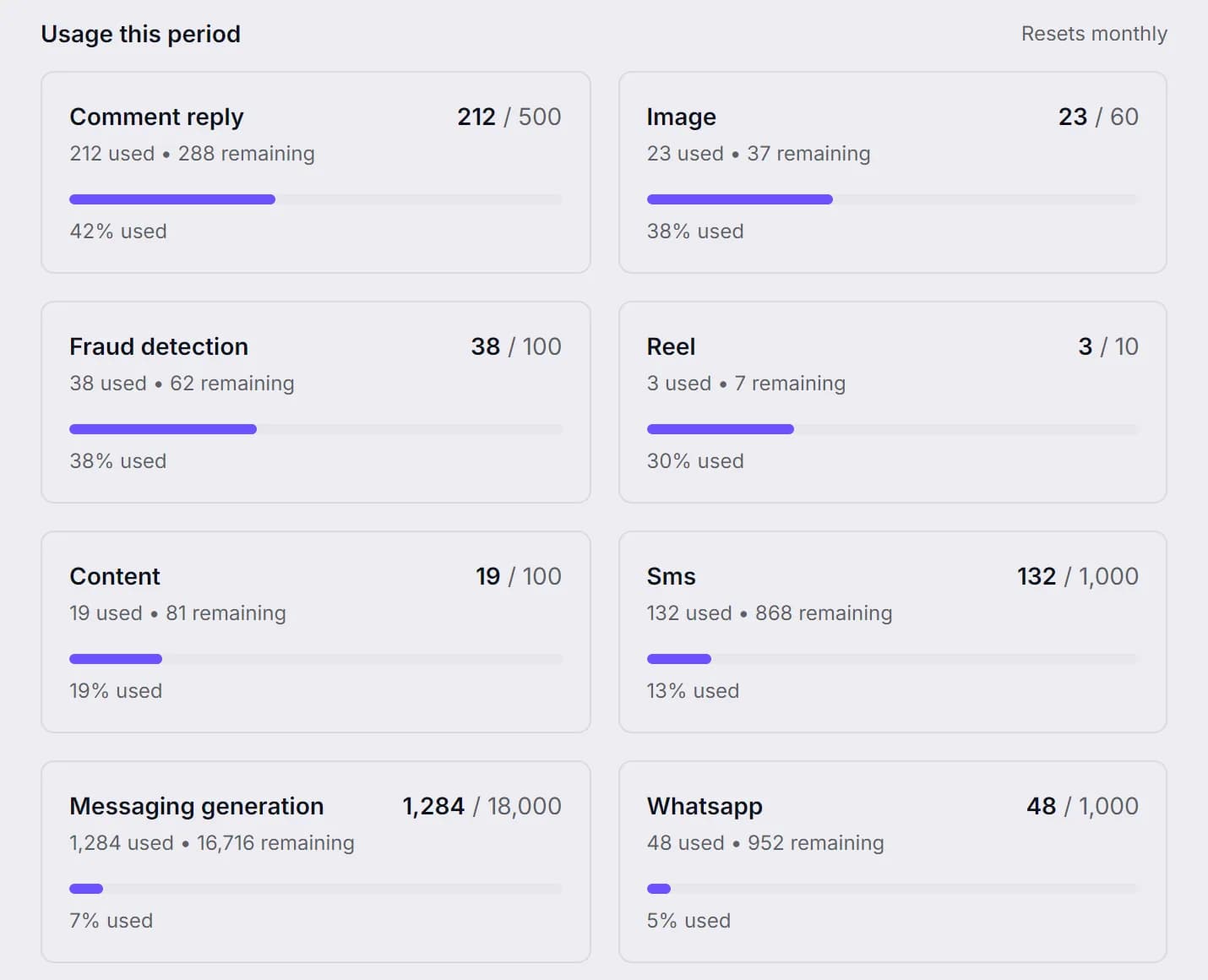
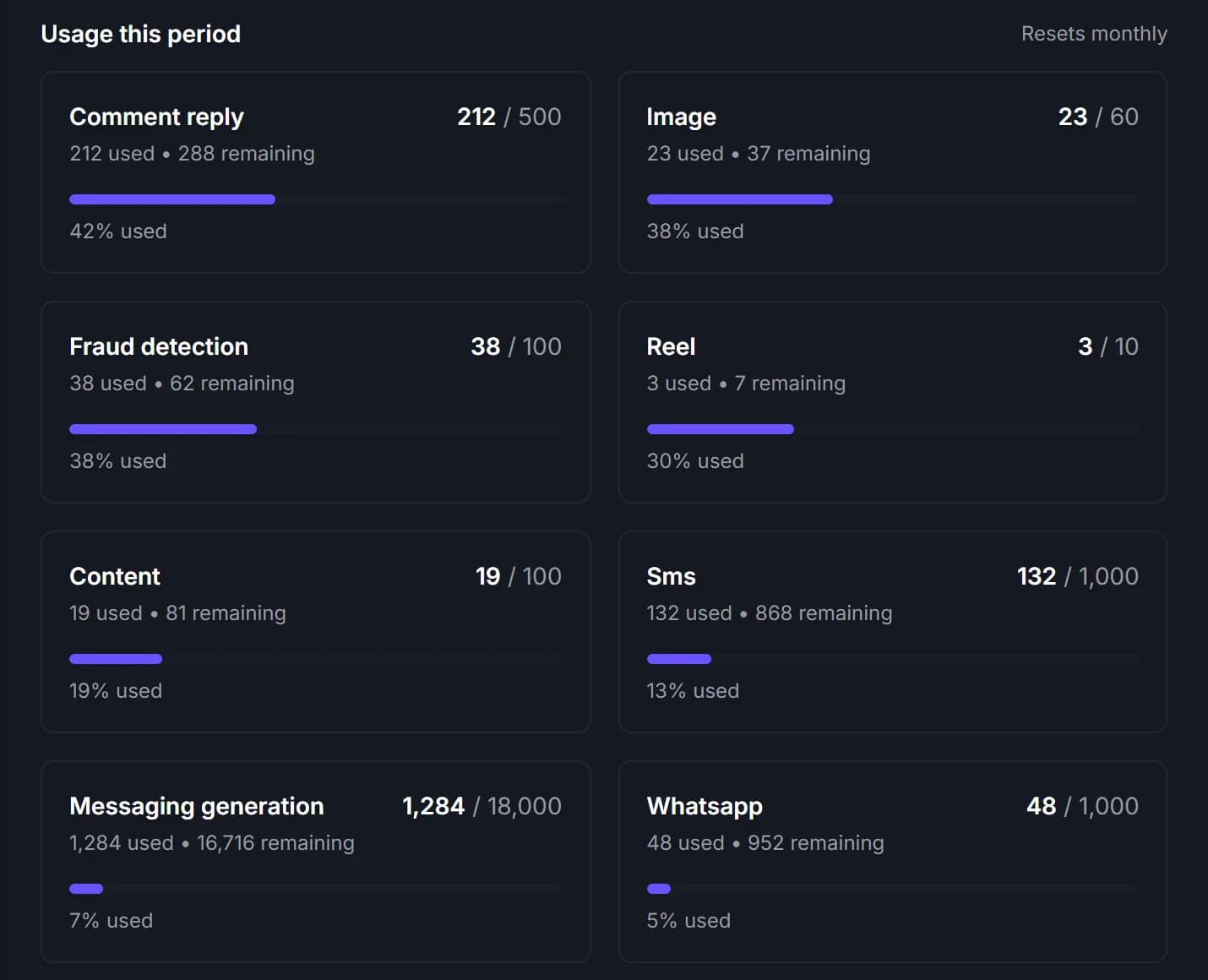
- SMS steps use the SMS balance in your plan.
- A flow that starts on a DM can be tested in a chat before you switch it on.
- Comment triggers, abandoned cart and email steps are coming.
Same dashboard
The rest of the shop, in one place
Build your first workflow.
Start from a template and have it running before your next order comes in.
No card needed to sign up. Or email support@ecomup.ai.